
Built for AutoCount
AutoBank Reconciliation Plugin
Reconcile your bank statements in minutes — not days.
AutoBank Reconciliation Plugin is a smart solution designed to automate one of accounting's most tedious tasks: matching bank statements against your ledger.
90% auto-match rate on average
Product demo
See AutoBank Recon in action
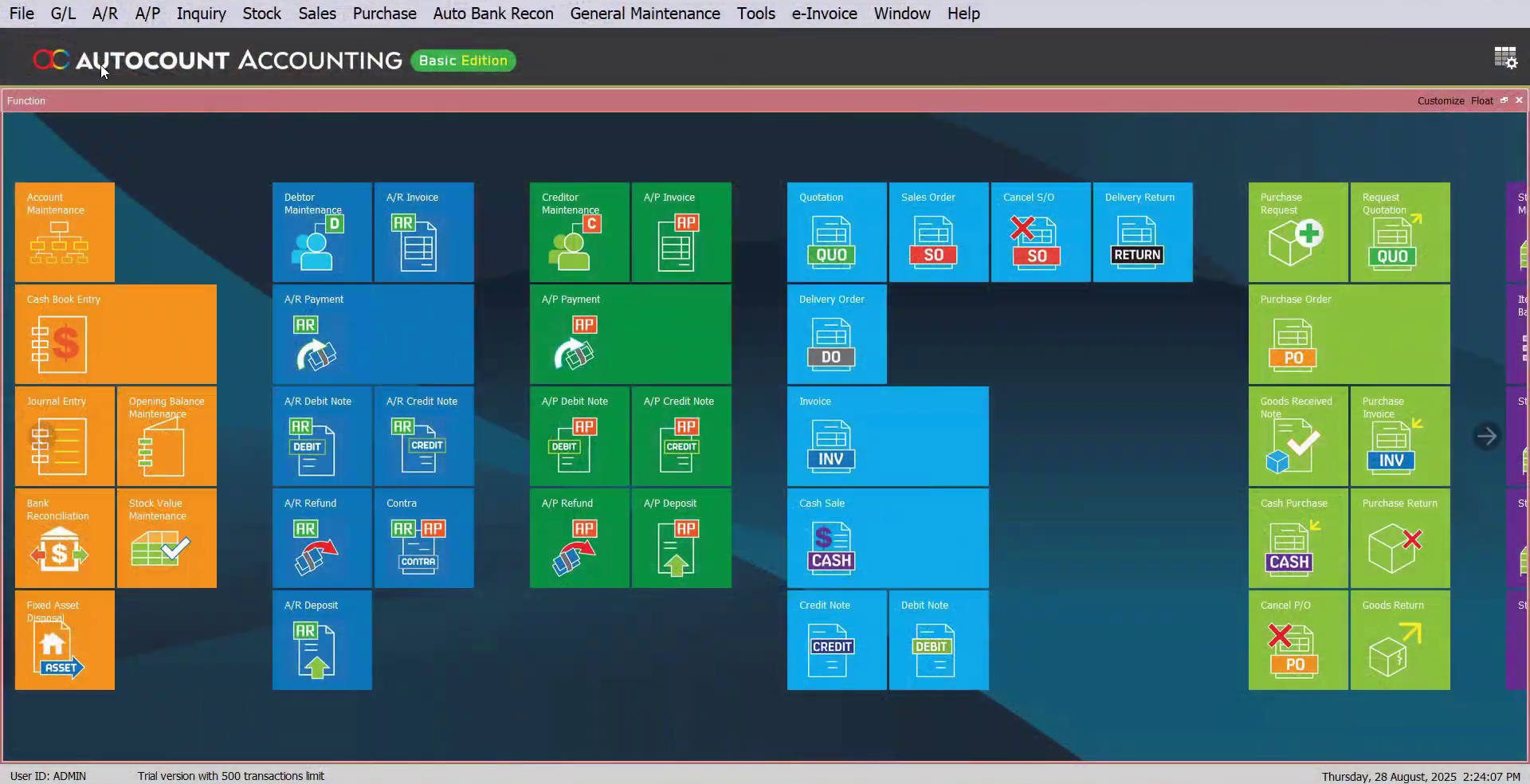
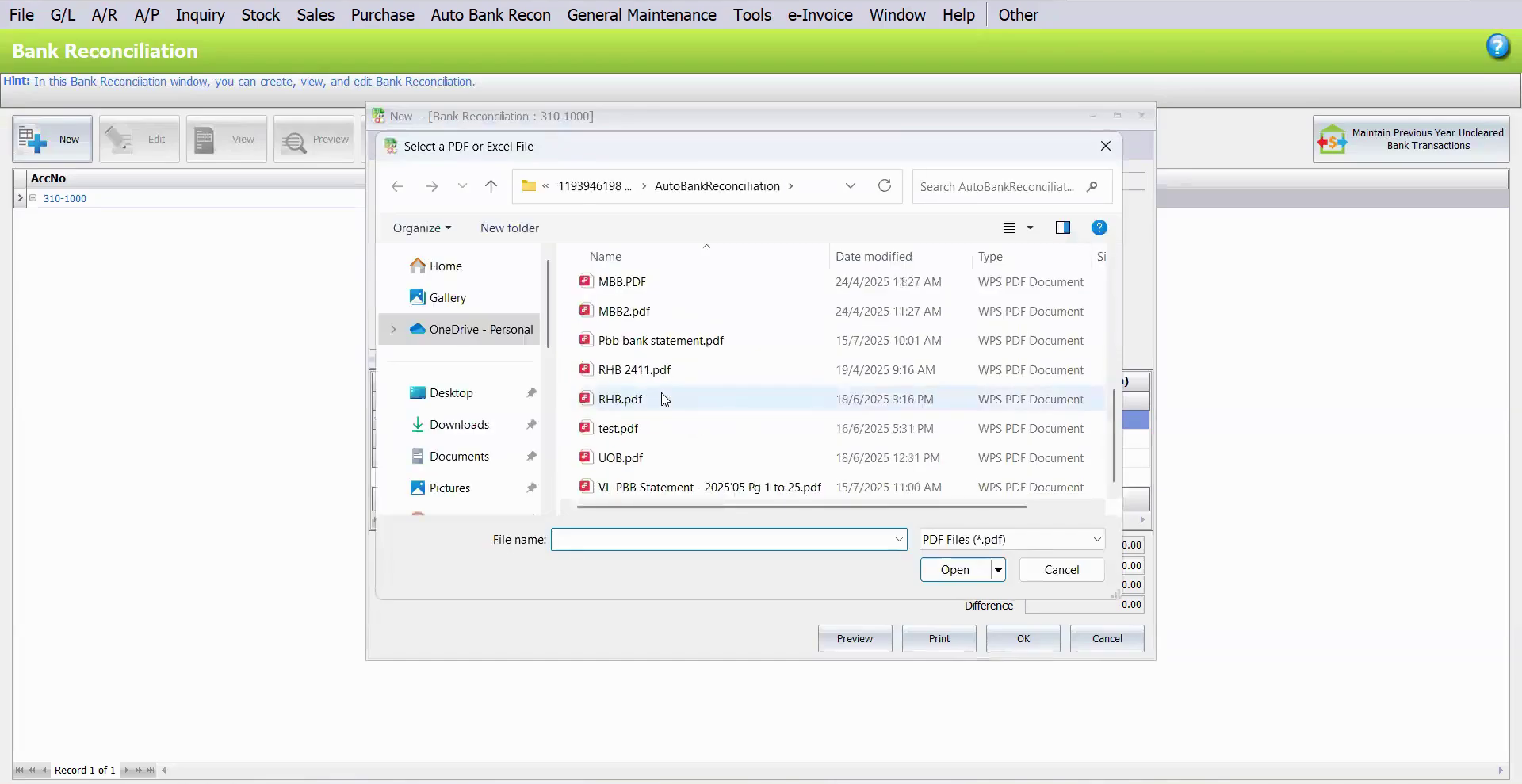
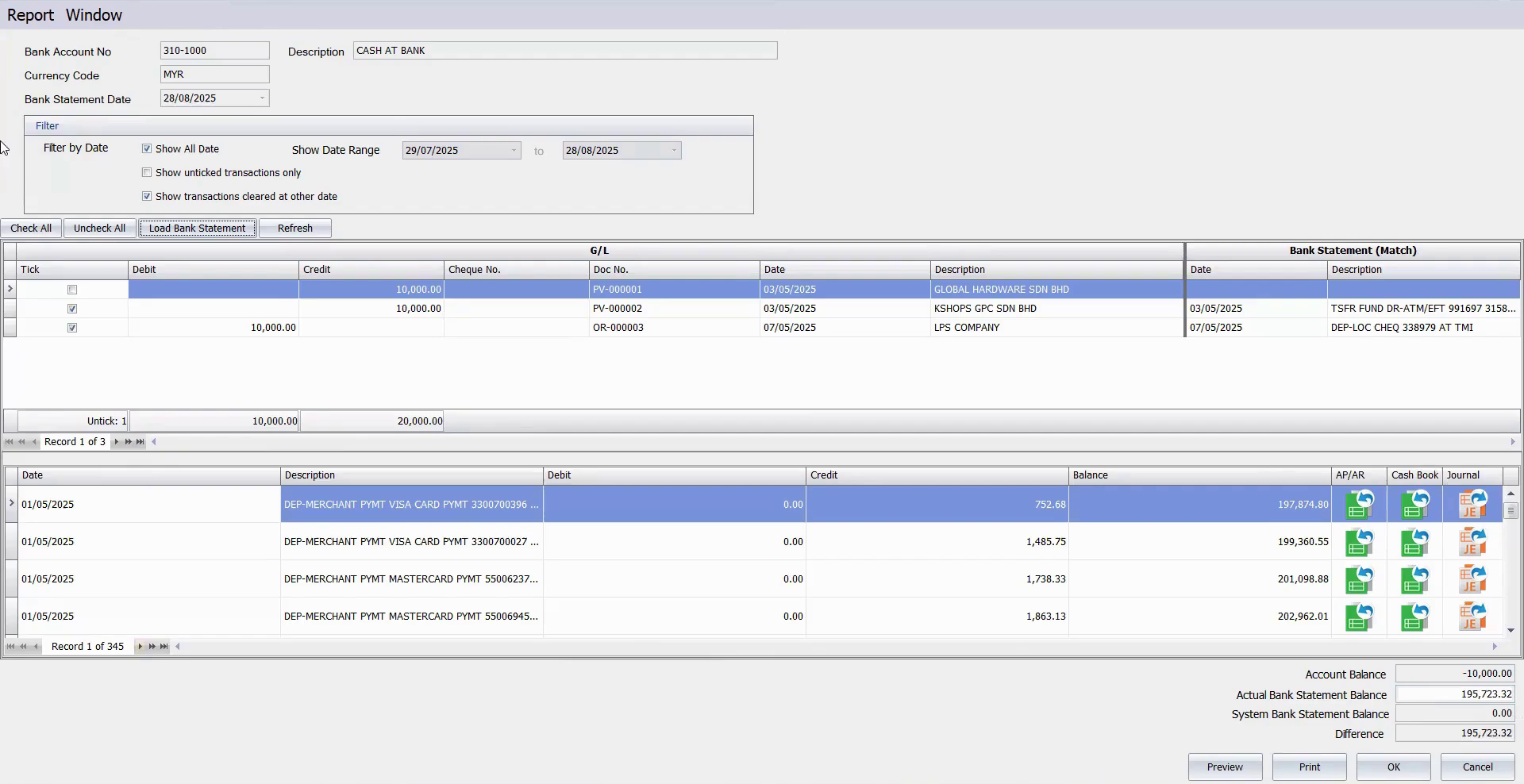
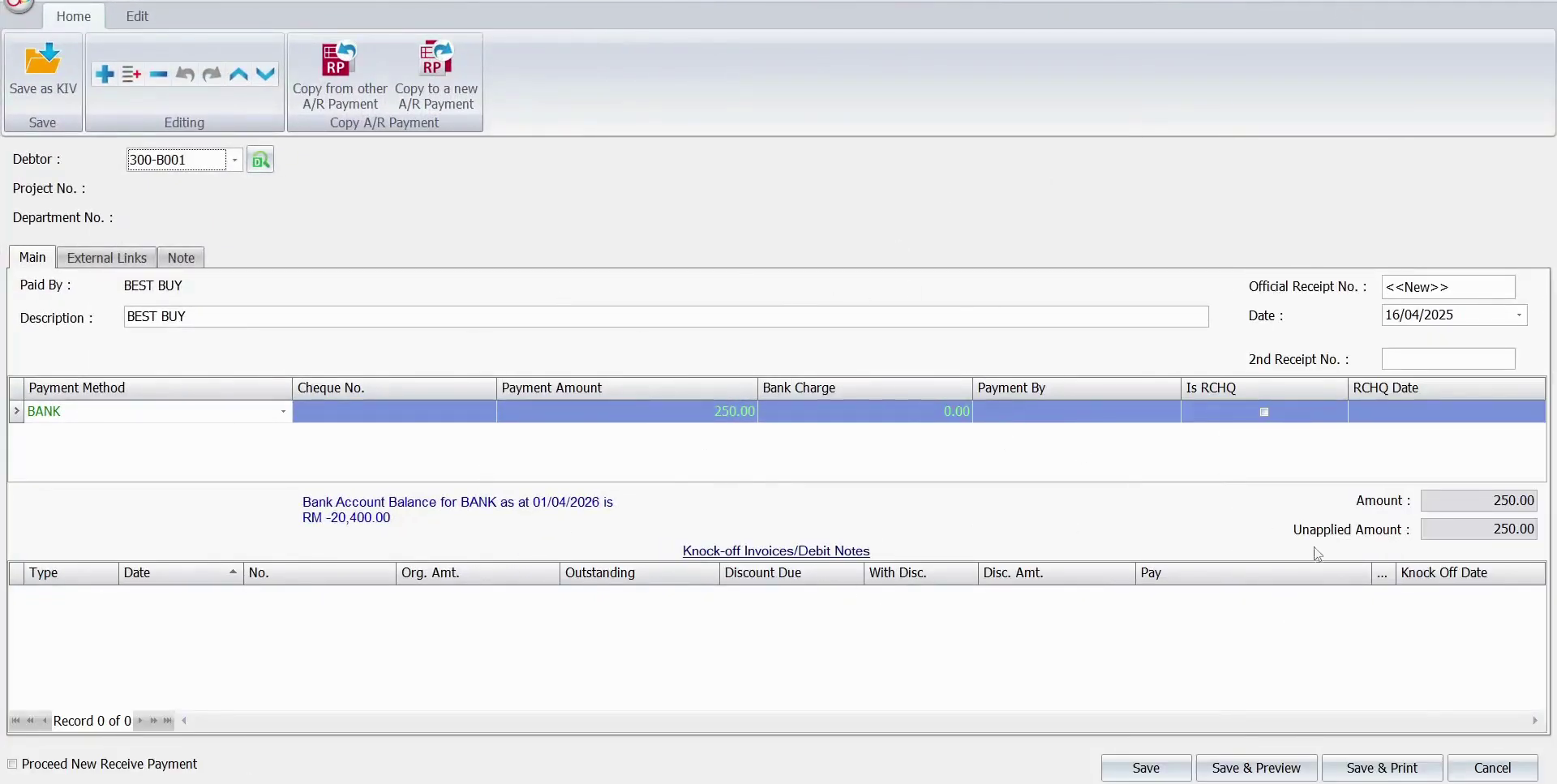
Watch the walkthrough video and click the image to preview the AutoBank reconciliation screen in detail.
Manually matching and ticking transactions one by one is slow, repetitive, and prone to human error.
Auto-reconcile hundreds of entries simply by uploading PDF or Excel bank statements.
Why accounting teams switch
Accuracy
Eliminate human errors and improve reconciliation accuracy.
Speed
Complete month-end bank reconciliation in minutes instead of days.
Increased efficiency
Automate transaction matching and save hours of manual work.
Clear financial visibility
Gain clearer insights into cash flow and bank account status.
Easy integration
Works perfectly with AutoCount.
Key features
Automatic matching
Supports auto matching of AutoCount transactions with bank statements from PDF and Excel files.
Flexible correction tools
Easily adjust, correct, or merge entries.
Side-by-side matching view
View bank transactions and ledger records side by side to quickly identify matched and unmatched items.
High matching accuracy
Achieve up to 90% auto-match rate.
Who this plugin is for
High-volume SMEs
Handling hundreds of bank transactions every month.
Retailers & wholesalers
Active daily bank movements from multiple sales channels.
Multiple-account companies
Managing several bank accounts that need regular reconciliation.
Efficient accounting teams
Want to stop manual ticking and cut month-end closing time by up to 90%.
Five steps to a closed book
-
01
Set up your reconciliation
Create a new reconciliation period, enter your statement date and ending balance. The system does the calculation for you.
-
02
Upload your bank statement
Upload your PDF or Excel bank statement directly. No manual data entry and no formatting headaches.
-
03
Auto-match your transactions
The system automatically matches bank transactions with ledger entries by date and amount. Hundreds of transactions can be ticked off in seconds.
-
04
Review & fix exceptions
Unmatched items are flagged instantly, so you do not need to search through the entire statement manually.
-
05
Post missing entries on the spot
Bank charges, interest fees, or other missing entries can be added directly from the reconciliation screen.
First time using Excel or CSV for bank reconciliation? Do a one-time configuration to map your bank's file format. After that, the system can recognize the same format automatically.
Close your books in minutes, not days.
Book a slot and we'll show you AutoBank Reconciliation Plugin matching your own bank statement format.
Apply Now